


Stop Wasting Time on Admin Tasks: Try These 7 VA Automation Hacks
Administrative tasks consume an average of 21% of a business owner's time, yet most of these processes can be automated with the right virtual assistant strategies. The most successful entrepreneurs understand that time spent on repetitive admin work is time stolen from strategic growth activities that actually move the needle forward.
Smart business owners are leveraging virtual assistants equipped with automation tools to reclaim those lost hours and redirect energy toward revenue-generating activities. These seven proven automation hacks transform how virtual assistants handle routine tasks, creating systems that work around the clock without constant oversight.
1. Connect Multiple Apps with Zapier for Seamless Data Flow
Zapier revolutionizes how virtual assistants manage data transfer between different business applications. This automation platform creates workflows that trigger actions across multiple tools without manual intervention. When a potential client submits a contact form on your website, Zapier automatically adds their information to your CRM, creates a task in your project management system, and sends a personalized welcome email sequence.
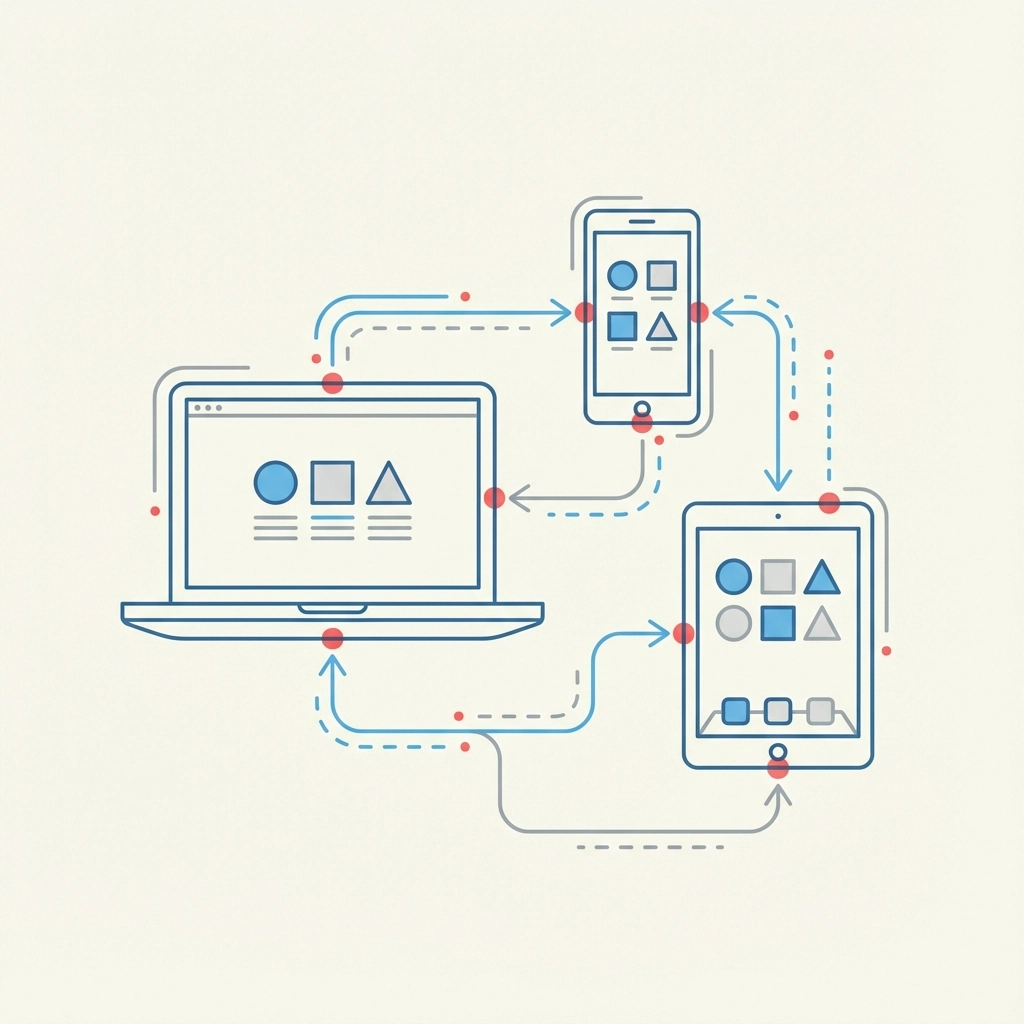
The most effective Zapier implementations focus on high-frequency, low-complexity tasks that eat up significant time when performed manually. Virtual assistants can set up Zaps that automatically sync customer orders from e-commerce platforms to accounting software, update inventory levels across multiple sales channels, and create calendar appointments based on form submissions. These automated workflows eliminate the human error factor while ensuring no lead or customer request falls through administrative cracks.
Advanced virtual assistants create multi-step Zaps that handle entire business processes from start to finish. For instance, when someone purchases a digital product, Zapier can automatically deliver the product, add the customer to specific email lists, update revenue tracking spreadsheets, and notify team members about the new sale. This level of automation transforms single purchases into comprehensive customer onboarding experiences without requiring constant monitoring.
2. Build Custom Workflows with Google App Script
Google App Script provides virtual assistants with powerful automation capabilities within the familiar Google Workspace environment. This scripting platform automates repetitive tasks in Google Sheets, Docs, and Gmail while creating custom solutions tailored to specific business needs. Virtual assistants use App Script to automatically generate reports, send personalized emails based on spreadsheet data, and create approval workflows that route documents to appropriate team members.
The most impactful App Script automations involve data synchronization across multiple Google applications. Virtual assistants can build scripts that automatically update project status reports based on task completion in Google Sheets, generate invoice reminders from customer databases, and create weekly performance summaries that compile data from various sources. These custom solutions provide functionality that off-the-shelf software often lacks while maintaining complete control over data and processes.
Smart virtual assistants leverage App Script to create time-based triggers that perform routine maintenance tasks without human intervention. Scripts can automatically archive old emails, backup important spreadsheet data, and send reminder notifications for upcoming deadlines. This proactive automation approach prevents small administrative details from becoming major problems while ensuring business operations continue smoothly even during busy periods.
3. Leverage AI for Content Generation and Communication
Artificial intelligence tools like ChatGPT and Google Gemini enable virtual assistants to automate content creation and communication tasks that traditionally required significant time investment. These AI models generate first drafts of emails, social media posts, blog content, and customer service responses based on specific prompts and templates. The key to successful AI integration lies in developing consistent prompt templates that produce reliable, brand-appropriate outputs requiring minimal editing.

Virtual assistants use AI automation to handle routine customer inquiries, create personalized follow-up messages, and generate content calendars for social media platforms. By feeding AI models with company-specific information and tone guidelines, virtual assistants can produce communications that maintain brand consistency while dramatically reducing writing time. This approach allows human creativity to focus on strategic messaging while AI handles routine communication tasks.
The most effective AI implementations combine multiple tools to create comprehensive content workflows. Virtual assistants might use ChatGPT to generate email drafts, Grammarly to ensure proper grammar and tone, and scheduling tools to automatically publish content at optimal times. This integrated approach transforms content creation from a time-intensive manual process into a streamlined automated system that maintains quality while maximizing efficiency.
4. Automate Meeting Management with Transcription Tools
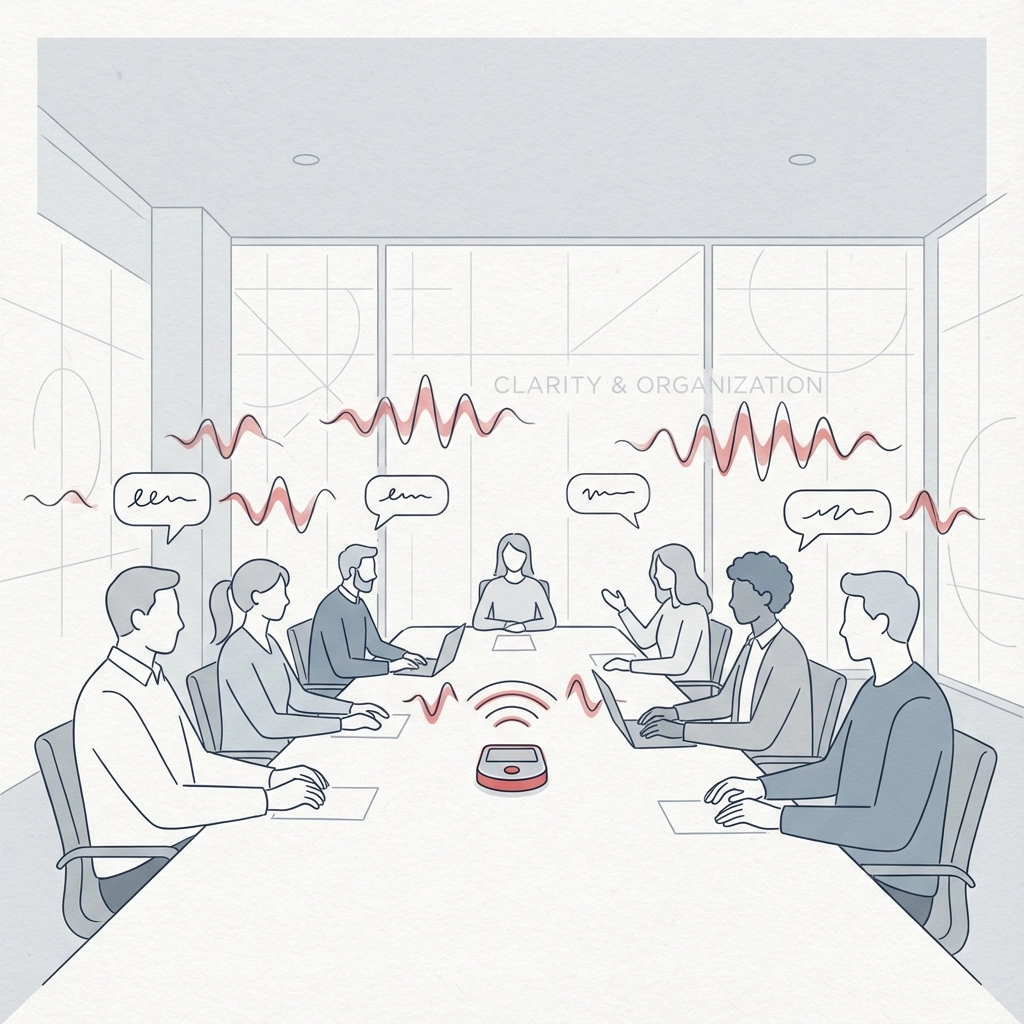
Meeting management represents one of the largest time drains for virtual assistants, but automated transcription tools like Otter.ai transform this challenge into an opportunity for increased productivity. These platforms automatically record, transcribe, and summarize meeting content while generating action items and key takeaways. Virtual assistants can focus on facilitating productive discussions rather than frantically taking notes or trying to capture every detail.
Automated transcription eliminates the post-meeting scramble to compile notes and distribute summaries to relevant stakeholders. Otter.ai and similar platforms generate searchable transcripts that team members can reference long after meetings conclude, creating valuable knowledge bases that improve organizational memory. Virtual assistants can quickly extract specific quotes, decisions, and commitments without listening to entire meeting recordings or deciphering hastily written notes.
The most strategic virtual assistants integrate transcription automation with project management systems to automatically create tasks and deadlines based on meeting outcomes. When someone commits to completing a specific deliverable by a certain date, automated systems can generate corresponding tasks in Asana, Trello, or other project management platforms. This seamless integration ensures meeting decisions translate into actionable work items without additional administrative overhead.
5. Transform Document Processing with Automated Data Extraction
Document processing automation revolutionizes how virtual assistants handle invoices, contracts, forms, and other paper-based business materials. Tools like Docparser automatically extract structured data from PDFs and other document formats, eliminating the tedious process of manually typing information into spreadsheets or databases. This automation approach reduces processing time from hours to minutes while improving accuracy and consistency.
Virtual assistants implement document automation for expense reporting, vendor invoice processing, and customer onboarding workflows. When suppliers submit invoices via email, automated systems can extract key details like amounts, due dates, and vendor information before routing documents for approval. This streamlined process eliminates bottlenecks in accounts payable while providing clear audit trails for financial management.
Advanced document automation combines extraction tools with approval workflows that route processed information to appropriate decision-makers. Virtual assistants can set up systems that automatically flag unusual expenses for manual review while processing routine items without human intervention. This intelligent automation approach maintains proper oversight while dramatically reducing administrative workload.
6. Streamline Task Organization with AI-Powered Project Management
AI-enhanced project management platforms transform scattered meeting notes and random ideas into organized, actionable task lists without manual formatting. Tools like Notion AI analyze unstructured text from brainstorming sessions, customer calls, and strategic discussions to generate prioritized action items with suggested deadlines and resource requirements. Virtual assistants can quickly convert creative chaos into systematic project plans that drive consistent execution.
The most effective AI project management implementations focus on pattern recognition and predictive task creation. When virtual assistants input project requirements, AI systems can suggest similar tasks from previous successful projects, estimate realistic timelines based on historical data, and identify potential bottlenecks before they occur. This predictive approach transforms reactive project management into proactive strategic planning that anticipates challenges and prepares solutions in advance.
Smart virtual assistants use AI task organization to create dynamic project templates that adapt to changing circumstances. Instead of rigid project structures that become obsolete when priorities shift, AI-powered systems automatically suggest task modifications, timeline adjustments, and resource reallocation based on real-time project data. This flexibility ensures project management remains aligned with business objectives while reducing the administrative overhead of constant manual updates.
7. Automate Scheduling and Calendar Management
Calendar management automation eliminates the time-consuming back-and-forth communication that traditionally accompanies meeting scheduling while preventing double bookings and scheduling conflicts. Platforms like Calendly integrate with existing calendar systems to automatically suggest available meeting times, send confirmation emails, and provide meeting reminders to all participants. Virtual assistants can focus on meeting preparation and follow-up rather than logistical coordination.
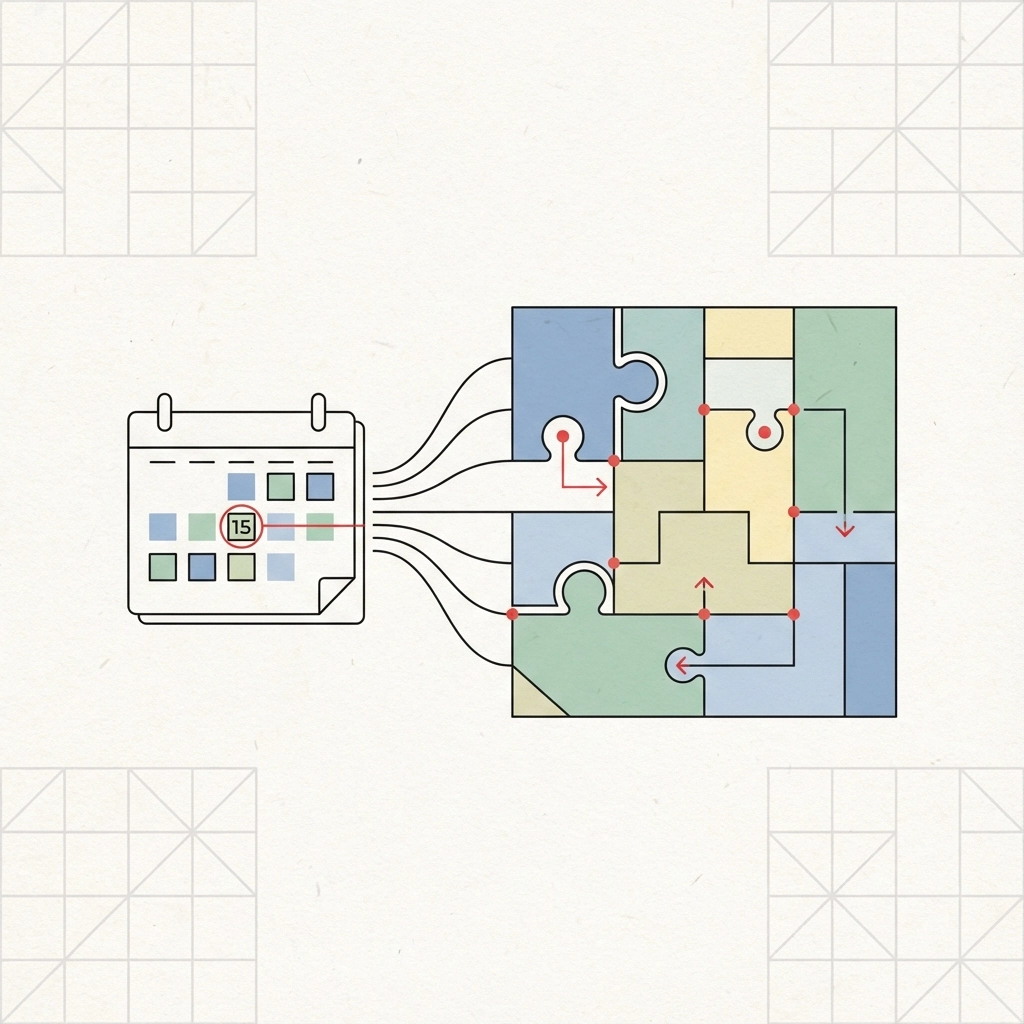
Advanced scheduling automation incorporates intelligent buffering that automatically blocks travel time between meetings, prevents back-to-back scheduling that leads to fatigue, and reserves focused work time for important projects. These systems learn from scheduling patterns and user preferences to make increasingly sophisticated recommendations that balance productivity with sustainability. Virtual assistants can establish scheduling rules that protect deep work time while ensuring adequate availability for client communications.
The most strategic scheduling automation implementations extend beyond basic calendar management to include meeting preparation and follow-up workflows. When meetings are automatically scheduled, systems can generate agenda templates, compile relevant background materials, and create post-meeting action item templates. This comprehensive automation approach transforms scheduling from a simple logistical task into a strategic tool that maximizes meeting effectiveness and ensures consistent follow-through on commitments.
Implementing Automation Successfully
The transition to automated administrative systems requires careful planning and gradual implementation to ensure sustainable adoption. Virtual assistants should begin with high-impact, low-risk automation opportunities that provide immediate value while building confidence in automated systems. Starting with email scheduling, basic data entry automation, or simple task creation workflows allows teams to experience automation benefits without overwhelming existing processes.
Successful automation implementation requires regular monitoring and optimization to maintain effectiveness over time. Virtual assistants must periodically review automated workflows to identify improvement opportunities, address changing business requirements, and incorporate new tools that enhance existing systems. This continuous improvement approach ensures automation investments continue providing value as businesses grow and evolve.
The most effective virtual assistant automation strategies combine multiple tools and approaches to create comprehensive systems that address entire business processes rather than isolated tasks. By connecting scheduling automation with project management systems, integrating AI content generation with approval workflows, and linking document processing with financial management platforms, virtual assistants create seamless operational environments that multiply productivity gains across all business functions.
Ready to implement these automation strategies in your business? ENK Professional Services specializes in helping entrepreneurs leverage virtual assistant automation to reclaim time and focus on strategic growth. Our comprehensive virtual assistant packages include automation setup and optimization to ensure maximum productivity gains from day one.

Comments